
Skip to content
New: short couple prompts for Valentine's Day, weddings and rainy days
PromptSeen

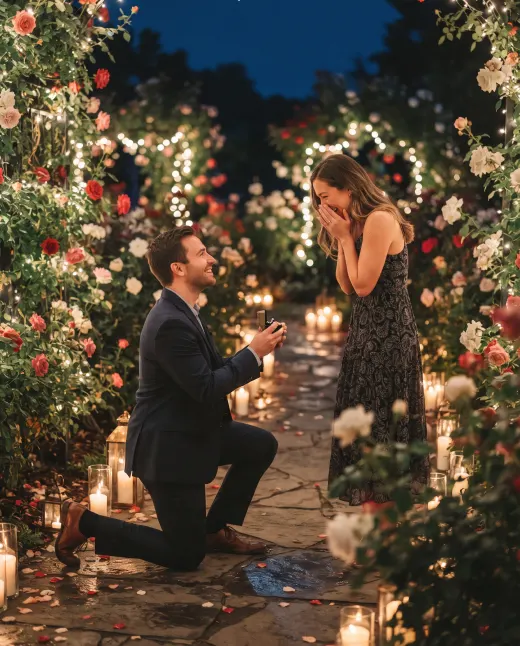
Rose Garden Proposal Moment

Every rose garden proposal moment prompt here is short, tested and easy to edit. Copy the main one, or pick an idea below such as ring box close.
6 prompts Couple Works in Gemini and ChatGPT

1 views · 1 copies
Checked on

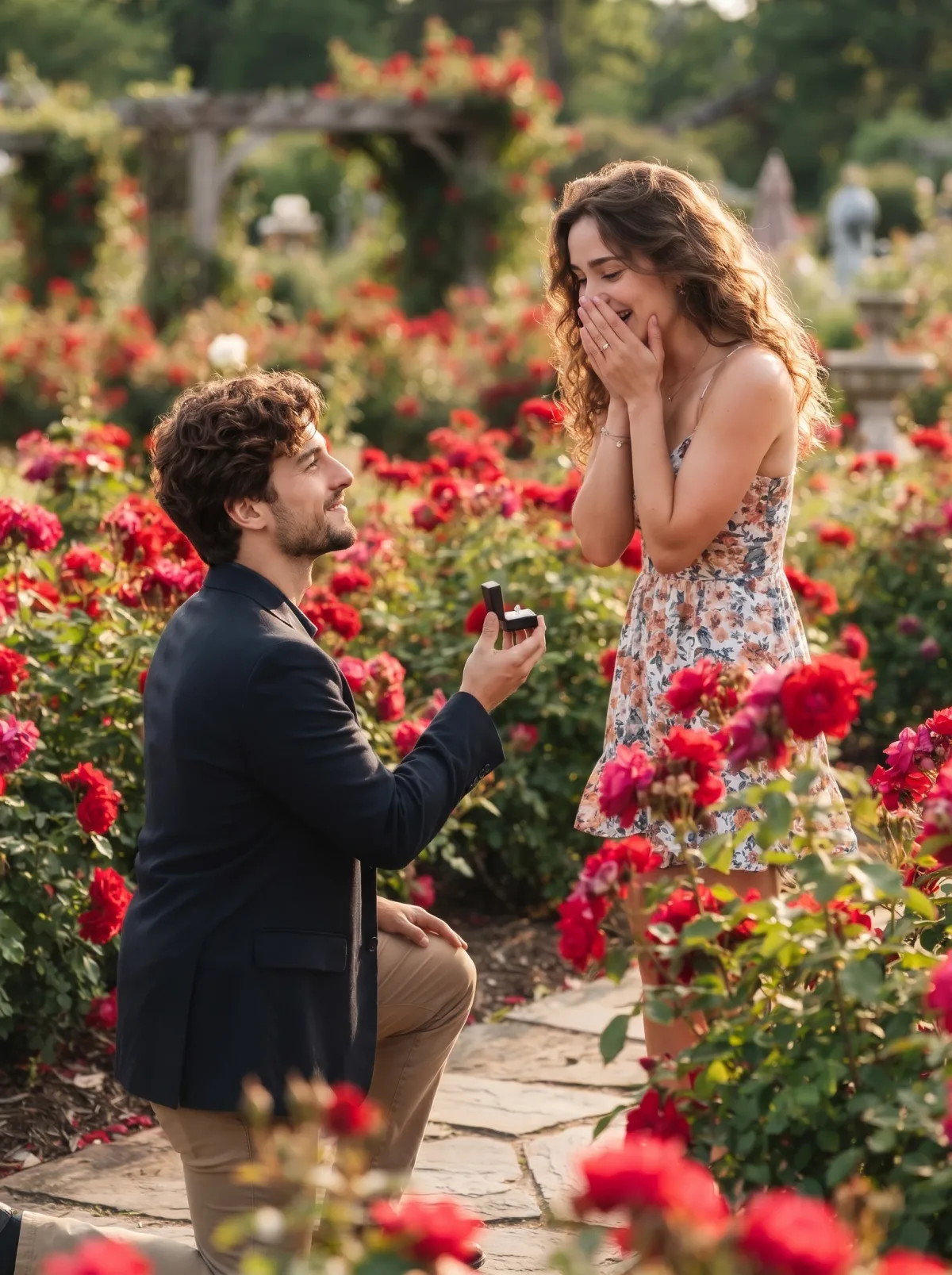
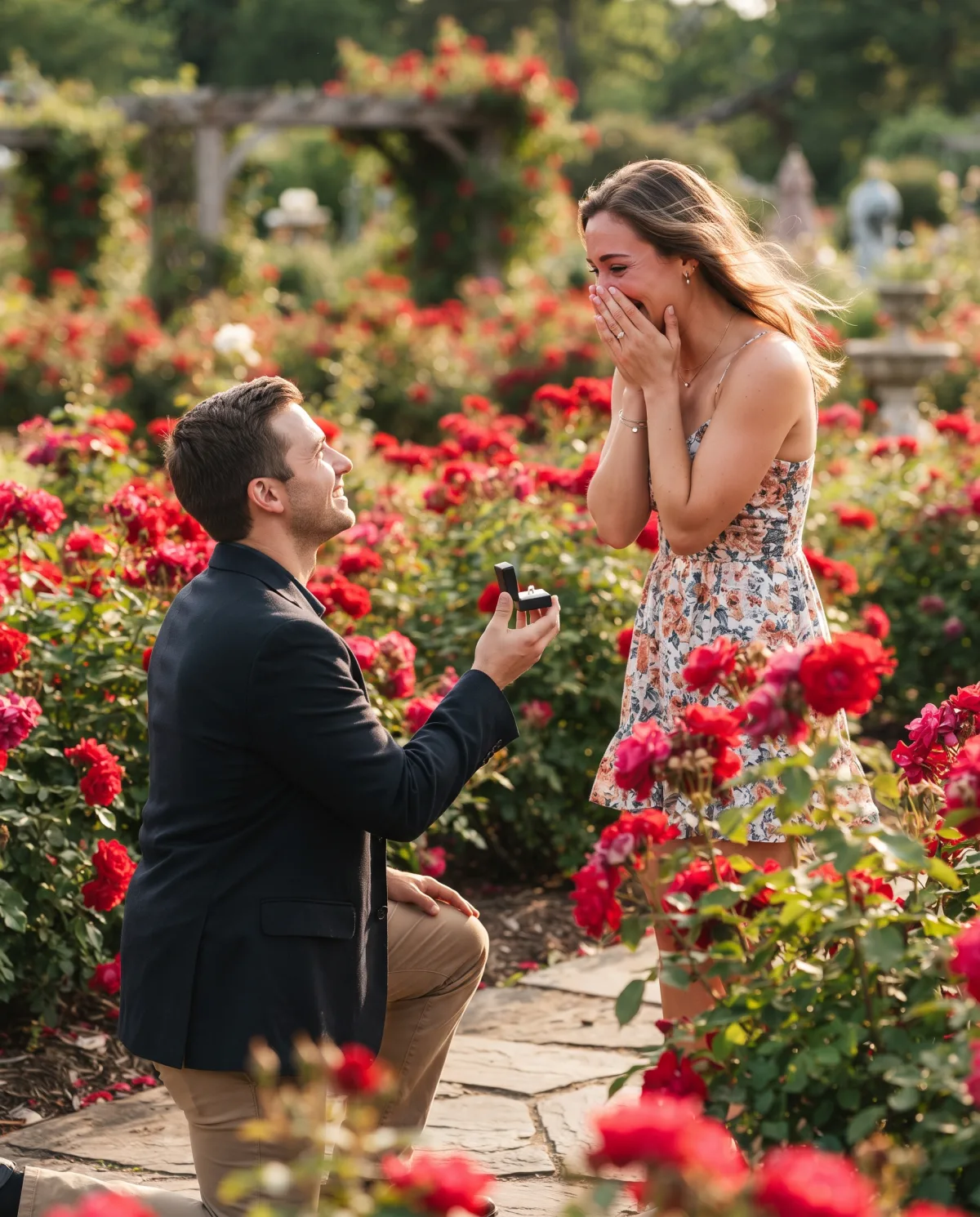
Rose Garden Proposal Moment, AI photo result
Made from a normal phone photo1 of 3 · Size 4:5

Main prompt

Me on one knee proposing to her in a , her hands on her face in happy surprise. Do not change either face. Lifelike photo, 4:5 portrait.

Tap a highlighted word to change it before you copy

Size
Send to a friend
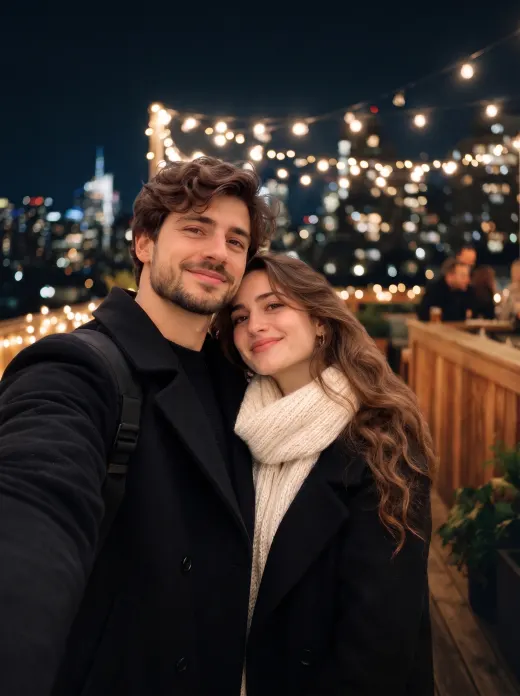
Best photo to useOne photo of both of you, faces side by side and clearly visible, works best.

Rose Garden Proposal Moment prompt ideas

Short and different. Copy any one of these instead of the main prompt. 5 ideas
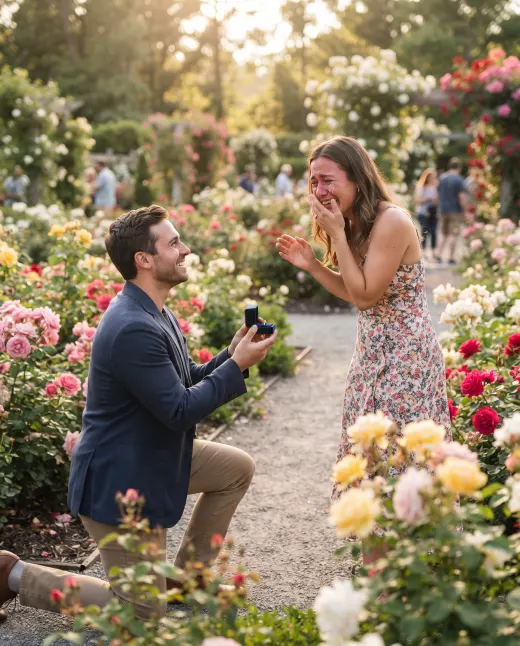
1Ring box close, AI photo result

Ring box close

Me holding an open ring box in a rose garden while she laughs and cries at once. Use our real faces from the photo, no filters. Clean realistic finish, 1:1.

Share
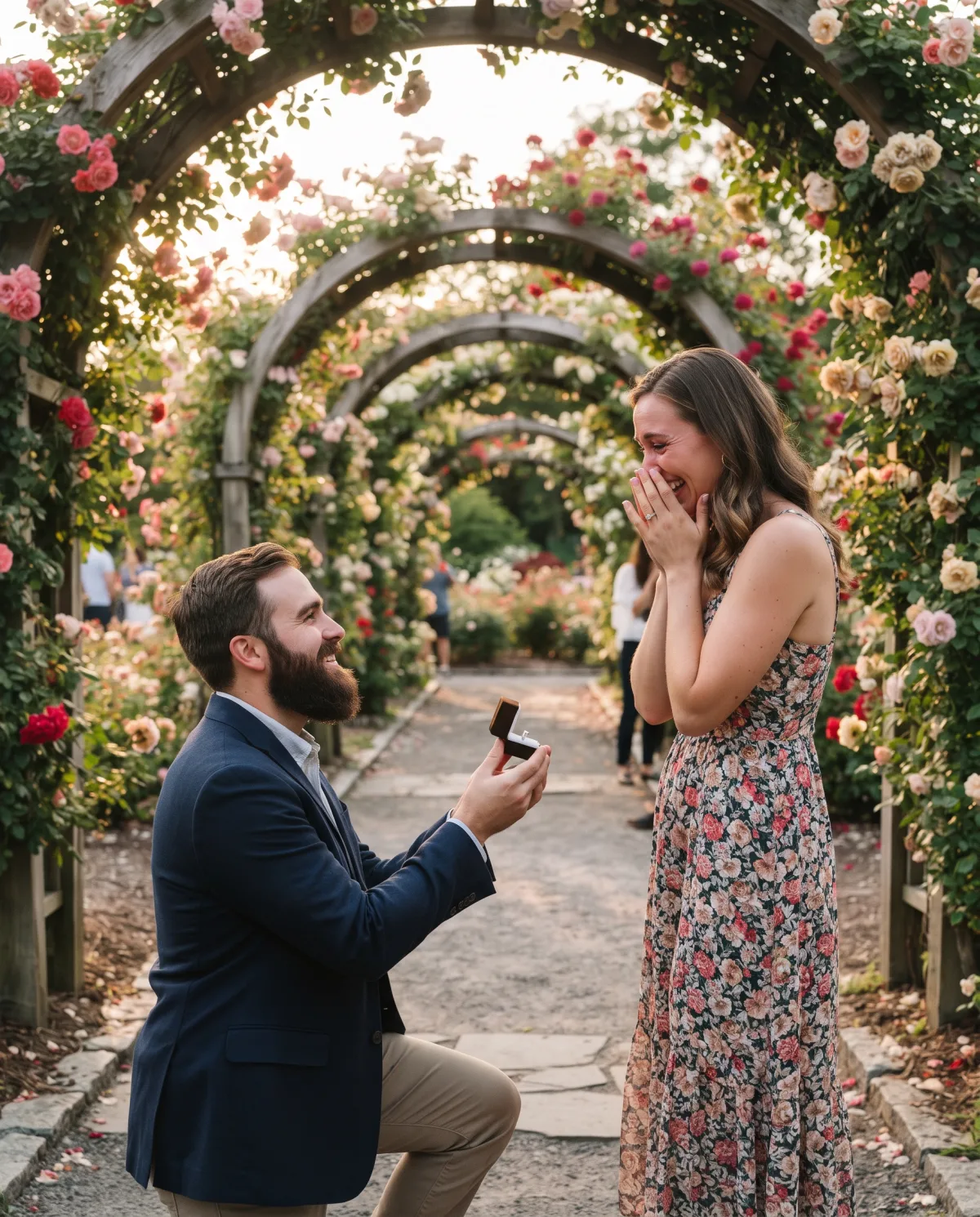
2Rose arch yes, AI photo result

Rose arch yes

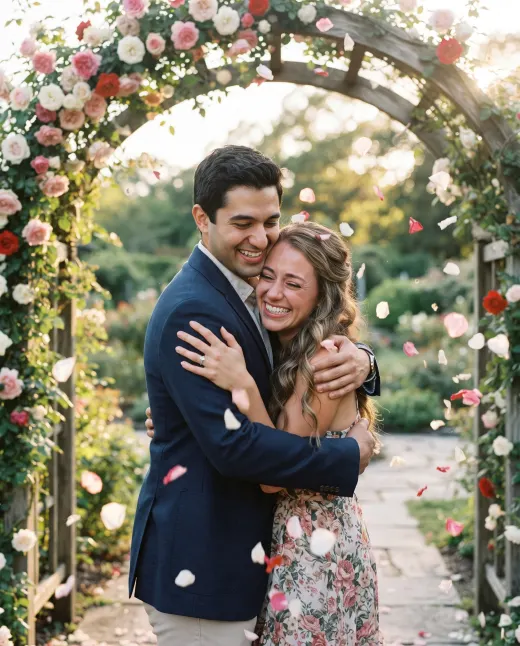
Us hugging under a rose arch right after she says yes, petals falling. Our faces stay true to the uploaded photo. Natural light, sharp detail, 4:5.

Share
3Picnic proposal, AI photo result

Picnic proposal

A picnic blanket in a rose garden with a cake that says Marry Me, her reading it. Keep both our faces exactly as in the photo. True colours, crisp focus, 4:5.

Share
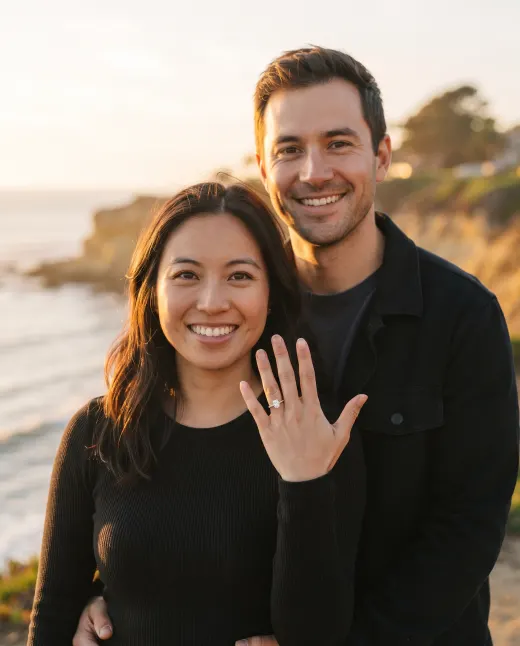
4Golden hour ring, AI photo result

Golden hour ring

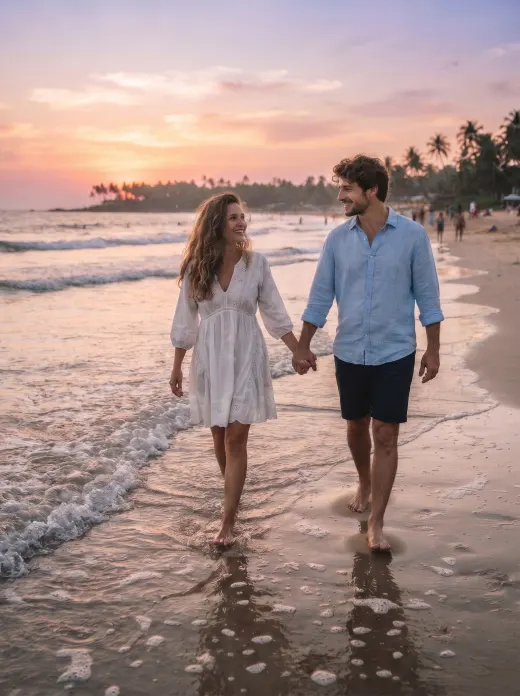
Her showing the ring to the camera with me smiling behind her, golden hour light. Both faces and skin tones stay the same as our photo. Gentle light, real camera look, 9:16.

Share
5Fairy light proposal, AI photo result

Fairy light proposal

A night proposal in a rose garden lit by fairy lights and candles on the path. Do not change either face. Soft cinematic colours, 9:16.

Share

More from Couple

The main page and the other pages in this set.

How to use these rose garden proposal moment prompts

Four quick steps on your phone.

  1. 1

    Pick a prompt

    Use the main prompt at the top or any short idea in the list.
  2. 2

    Change the highlighted words

    Tap a highlighted word to pick a different place, outfit or colour before you copy.
  3. 3

    Choose the size

    Story 9:16 for status and reels, Post 4:5 for Instagram, Square 1:1 for profile photos.
  4. 4

    Copy and add your photo

    Copy the prompt, open the app, attach your photo and paste. That is all.

Tips for a better result

Small things that make a big difference.

Use a clear photo

One photo of both of you, faces side by side and clearly visible, works best.

Tick Face lock if needed

If the face changes, copy again with Face lock ticked. It adds one more line that keeps the face the same.

Ask again if you want more

Each try gives a slightly different photo, so ask two or three times and keep the best.

Rose Garden Proposal Moment prompts: questions and answers

Are these rose garden proposal moment prompts free?
Yes. Copy any prompt for free. You only need a free Gemini or ChatGPT account.
Will my face change in the rose garden proposal moment photo?
These prompts ask the AI to keep the face from your photo. For a closer match, tick Face lock before you copy.
Which app works better, Gemini or ChatGPT?
Both work. Gemini is quick and free, and ChatGPT often gives more detail in the background.
Can I change the place or clothes?
Yes. Tap a highlighted word in the main prompt, or just edit the text after you paste it.
Y

Tried and written by

Your Name

Writes and tests the prompts

I write the prompts on this site and test each one on everyday phone photos in Gemini and ChatGPT before it is published.

Try another style